The short version
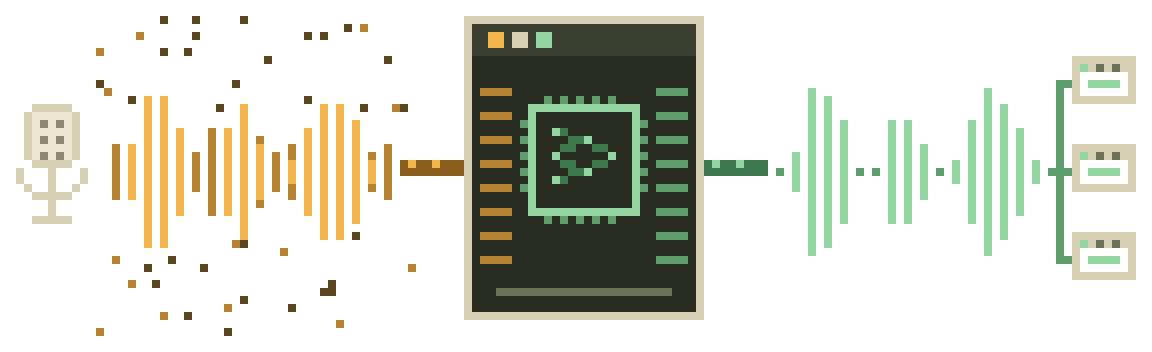
If your fan hum, keyboard clatter or street noise is leaking into calls and recordings, a Linux desktop in 2026 fixes it with software you already have the repos for. One small neural network — RNNoise, published by the Xiph.Org people behind Opus — sits underneath almost every good option. The real question isn't which model; it's which door you walk through to reach it:
-
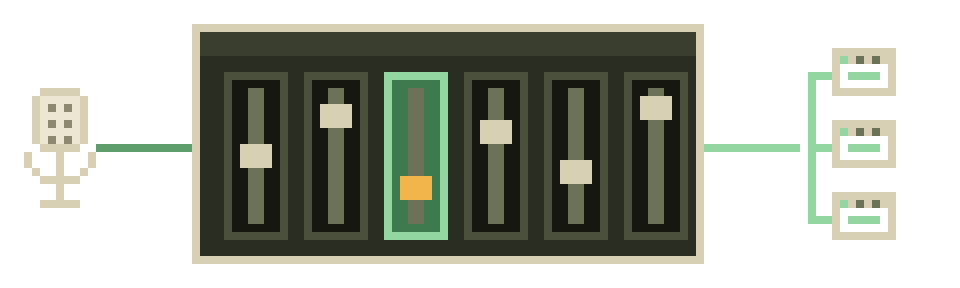
EasyEffects
The default answer on any PipeWire desktop. A GUI, a Noise Reduction effect, presets that follow your mic. Actively maintained, packaged everywhere.
-
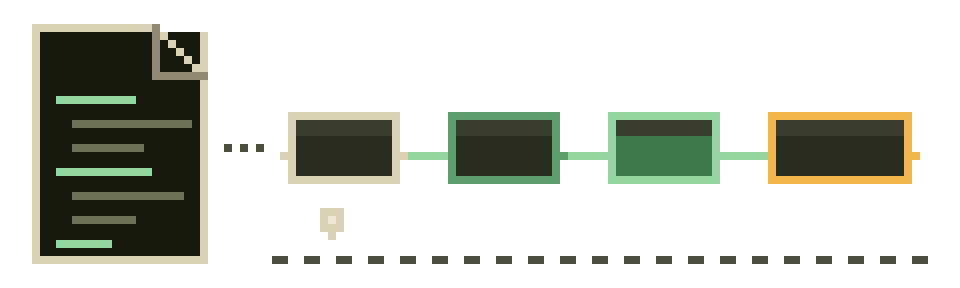
PipeWire filter-chain
No GUI, no extra daemon. One config file turns RNNoise into a virtual "denoised source" your apps pick like any other mic.
-
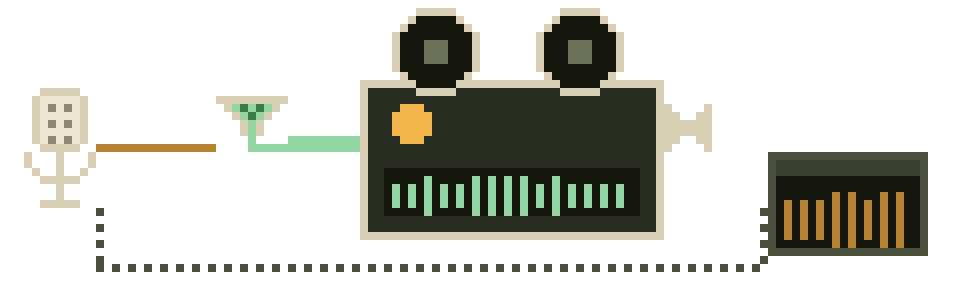
OBS mic filters
Recording your screen? OBS Studio ships a Noise Suppression filter — RNNoise or Speex — no extra install at all.
-
NoiseTorch
The one-button classic. Dormant since 2022, still functional, and we say exactly when you should and shouldn't reach for it.
-
ffmpeg & SoX
Already recorded the noisy file? Two commands clean it up after the fact — including ffmpeg's own RNNoise filter.
-
Krisp on Linux?
There is no native Krisp app for Linux. We keep an honest page about what that means and who should care.
Where to start, by what you're running
Most decisions on this site collapse into one question: is your machine on PipeWire or on plain PulseAudio? Every mainstream distro of the last few years — Ubuntu since 22.10, Fedora since 34, and current Debian and Arch — defaults to PipeWire, and its stable branch sat at 1.6.9 when we last checked. If you're not sure what you're on, our two-minute stack check settles it with one command. From there:
- PipeWire + you like settings windows → EasyEffects. Done.
- PipeWire + you like config files → filter-chain. Survives reboots, no tray icon, pure text.
- Still on PulseAudio → NoiseTorch works, with caveats we spell out, or the same LADSPA plugin wired into Pulse.
- The noise already happened → clean the file instead of the mic.
Before any of that, spend five minutes on plain mic setup — input level, distance, sample rate. Suppression models clean up noise; they don't fix a mic that's clipping or buried under automatic gain fights.
What we won't pretend
Three things you should know before trusting any site in this niche, ours included:
1. Most of this software pays us nothing. RNNoise, EasyEffects, PipeWire, NoiseTorch, OBS, ffmpeg and SoX have no affiliate programs. There is no commission behind those recommendations and never will be. The only paid product we link on the whole site is Krisp, it has no Linux app, and we say so in the first paragraph of that page, not the last. Here's the full money note.
2. Maintenance status is the product. In open source, "does it still get releases?" matters more than feature lists. We verify repository activity, latest releases and distro packaging on the live web and print the dates. As of 2026-09-20: EasyEffects released v8.2.9 weeks ago; the RNNoise LADSPA plugin shipped v1.21 in May; NoiseTorch hasn't released since June 2022. Those three facts alone should shape your choice, and most guides never mention them.
3. One model, shared ceiling. Because nearly every path runs an RNNoise-family model, they sound alike. Anyone ranking these tools on "audio quality" is mostly ranking placebo. We rank on maintenance, packaging and friction instead — with a published rubric and a script you can re-run.
- PipeWire 1.6.93 days
- EasyEffects v8.2.920 days
- OBS Studio 32.2.237 days
- noise-suppression-for-voice v1.21114 days
- NoiseTorch v0.12.21,556 days
Fresh from /var/log/tuxtone
The blog is where we keep the longer stories:
- What happened to NoiseTorch? — a maintenance timeline: the 2022 security scare, the community audit, the -ng handoff, and what "dormant" actually means for you.
- Free as in "nobody pays us" — how this site makes (almost) no money, and why we publish that.
Who writes this
TuxTone is written by a small crew of long-time Linux desktop users — the kind of people with opinions about session managers. No invented experts, no stock-photo staff page. Claims come from project documentation, changelogs and package databases, not from "our lab." When we haven't tested a specific distro combination, we say so. More on method on the about page.